
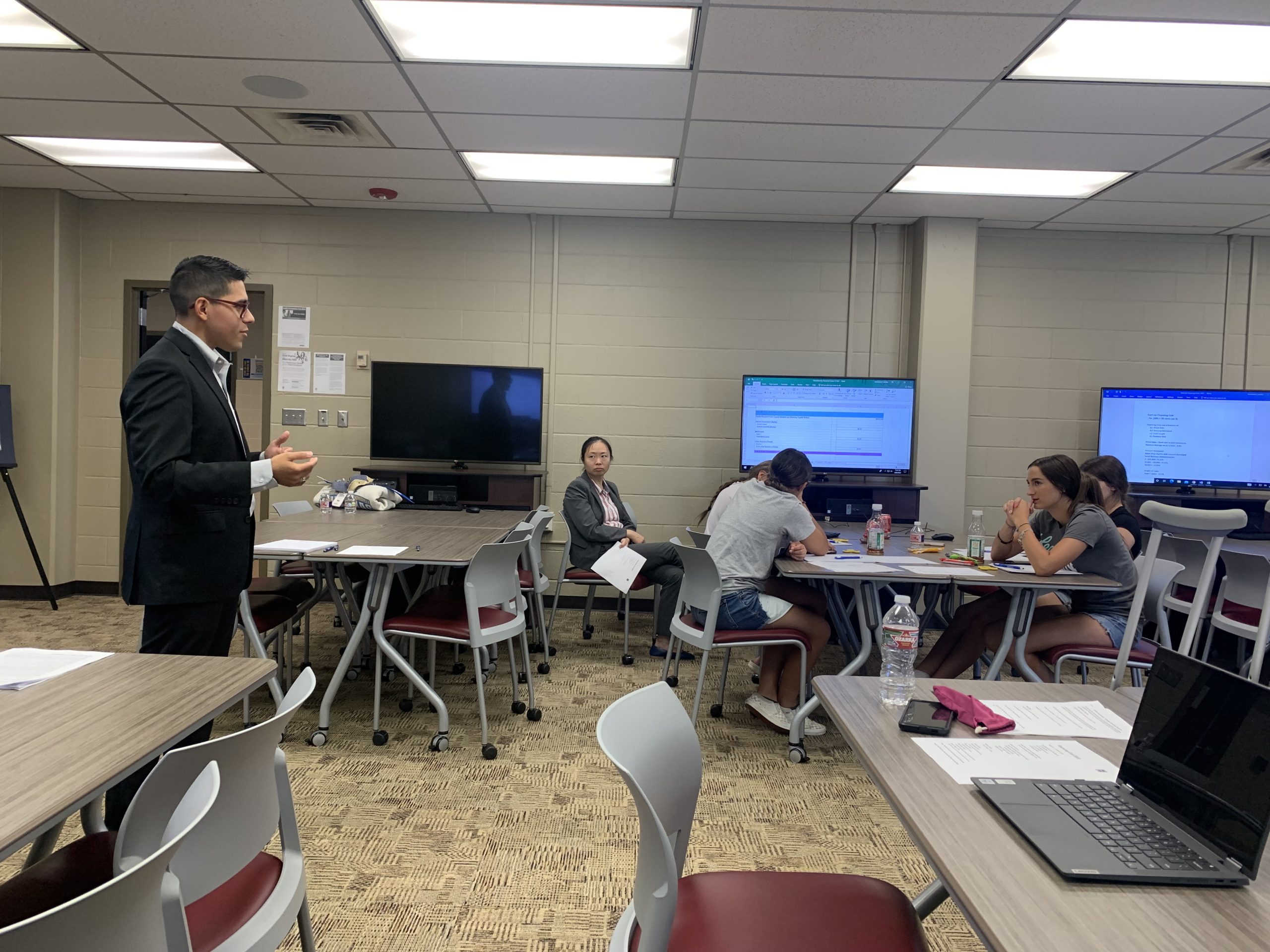
EDUCATOR TRAINING
Help educators feel confident with the technology they are teaching.
Technology changes quickly. Educators should have room to learn too.
Build Confidence
Understand the Lab
Connect to Careers
Topics built around the classroom environment.
Cybersecurity Foundations
Networking
Windows Environments
Cloud Infrastructure
Security Tools
Classroom Labs
Windows Environments
Active Directory
Permissions
System Administration
Troubleshooting
Knowing what to do when the lab does not work is part of the training.
1. DNS Problems
2. Connectivity
3. Authentication
4. Permissions
5. Virtual Machines
6. Security Tools
Understand what the tools are showing you.
Endpoint Security
SIEM
Event Logs
Vulnerability Scanning
Network Tools
Authorized Security Testing Tools
WCCIT SANDBOX ENVIRONMENT
Practice before stepping into the classroom.
Instructor View
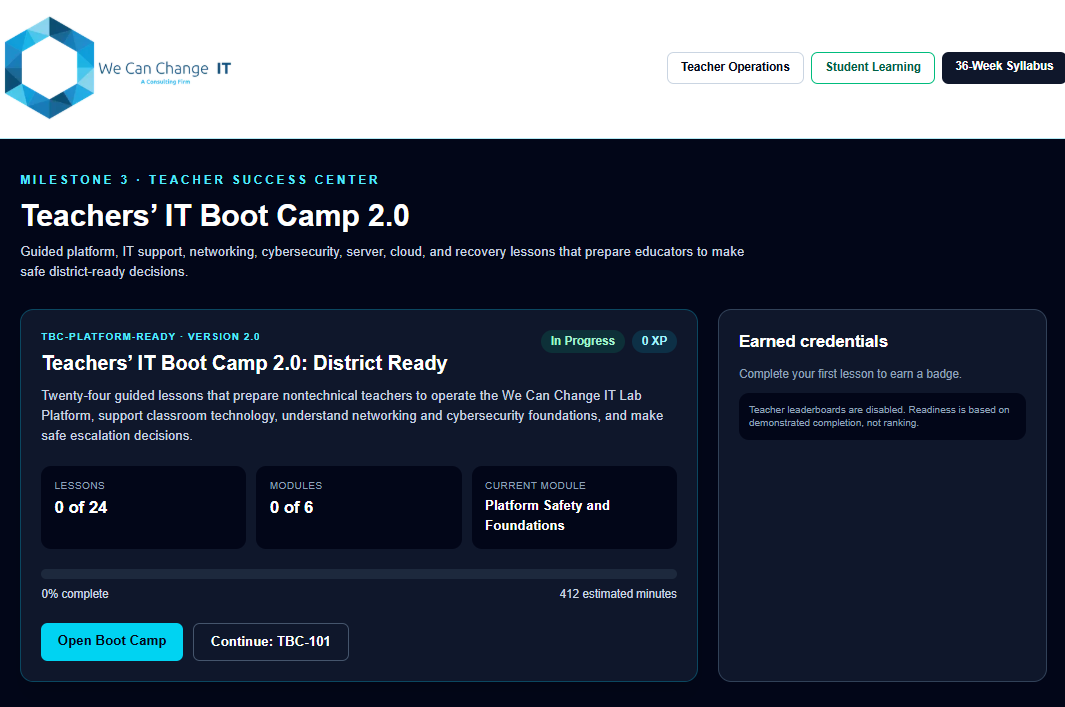
Student View
Lab Setup
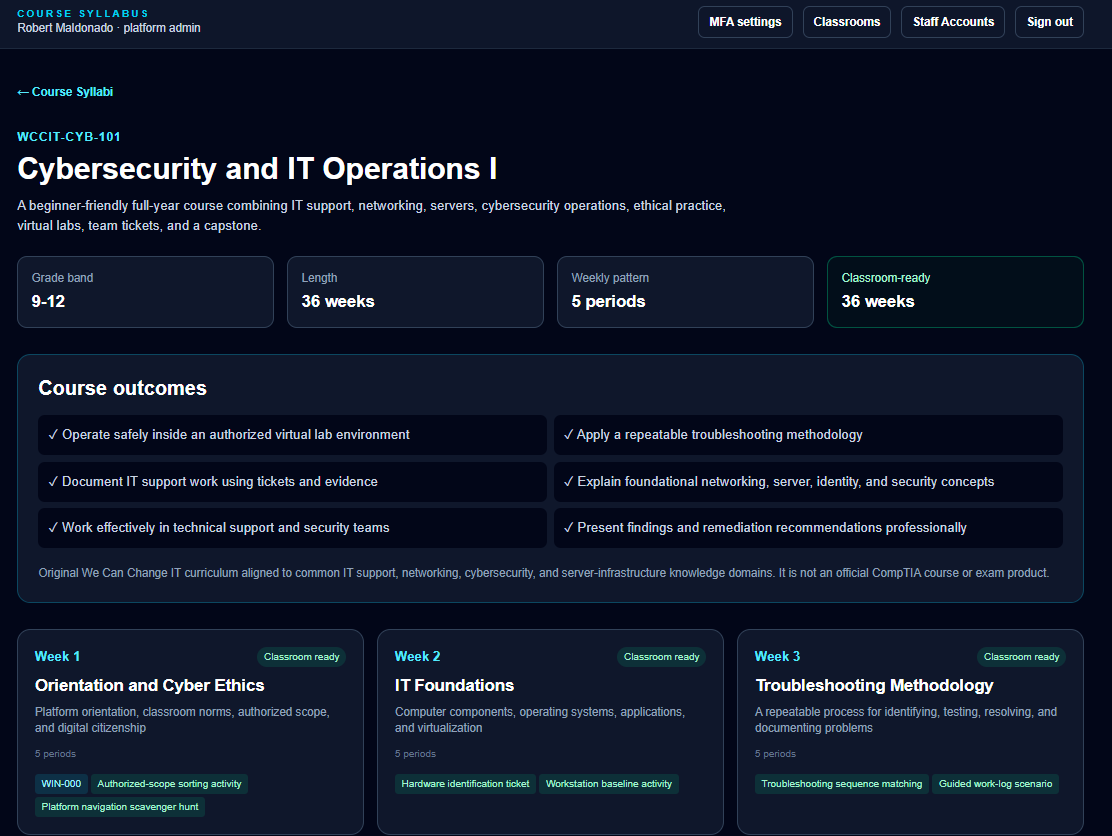
Reset & Recovery
Troubleshooting
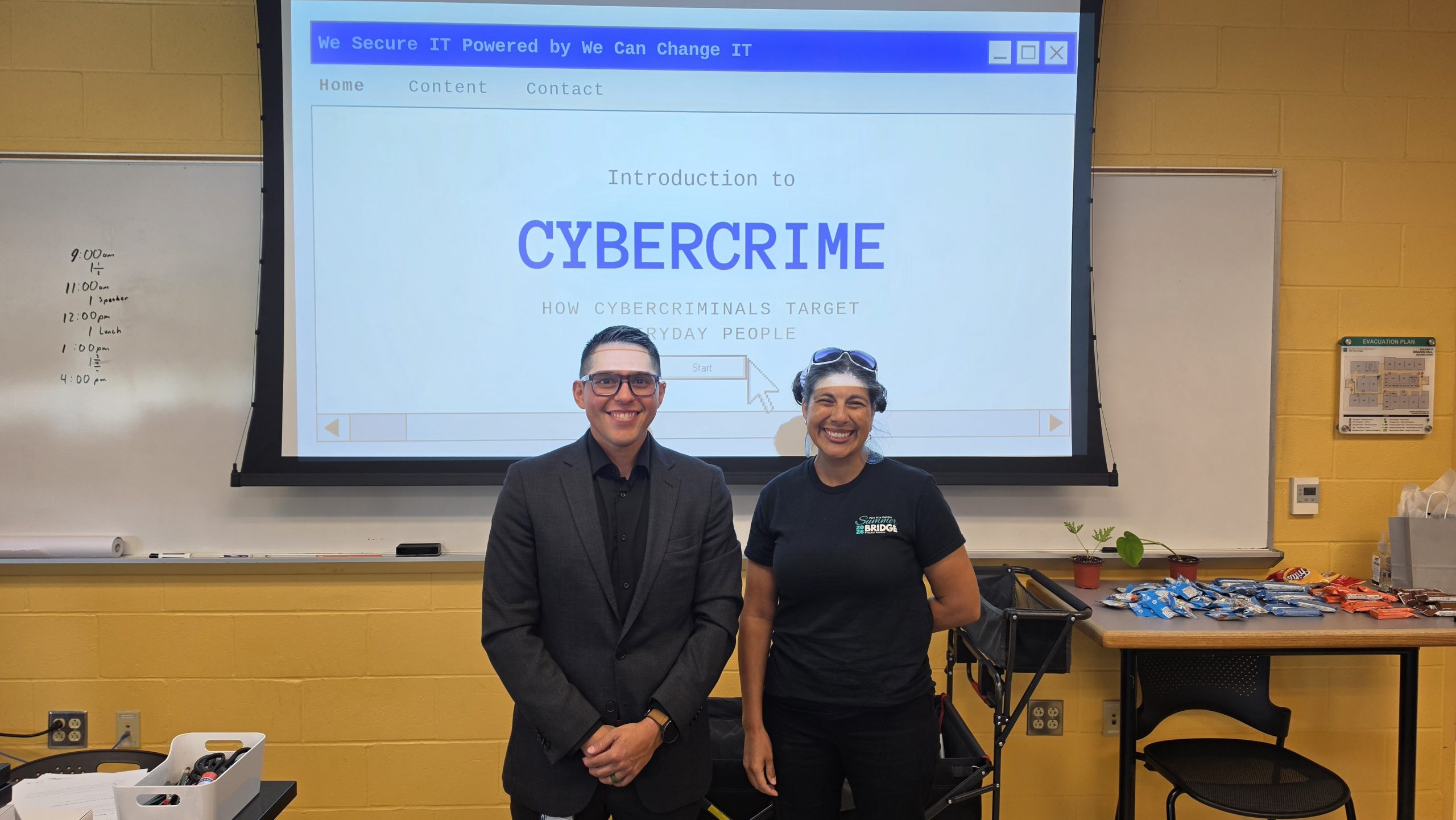
Connect the technology to the lesson.
Lesson Context
Lab Objectives
Expected Outcomes
Discussion & Reflection
Help educators connect classroom concepts to industry roles.
Industry Roles
Technical Skills
Career Paths
PROFESSIONAL DEVELOPMENT
Professional Development for Educators.
Hands-On Experience
Expert Instruction
Flexible Delivery
Networking & Cloud
Systems & Identity
Troubleshooting Practice
Safe Lab Environments
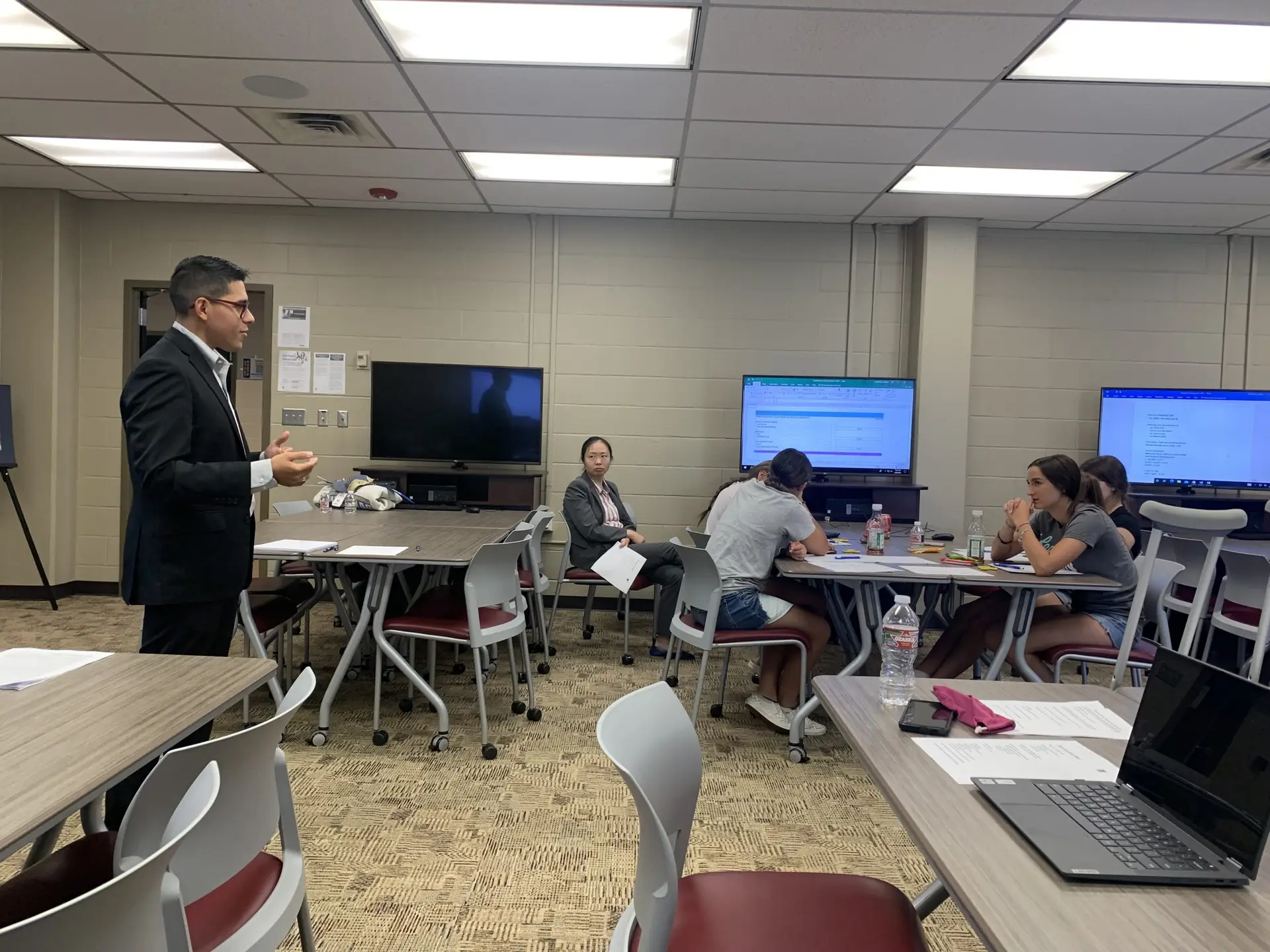
What a training session can look like
1
Introduction & Objectives
2
Instructor Demonstration
3
Hands-On Practice
4
Troubleshooting
5
Classroom Application
PRACTICAL TAKEAWAYS
Training should produce something useful after the session ends.
Greater Technical Confidence
Lab Familiarity
Troubleshooting Reference
Teaching Context
Career Connections
Next-Step Resources
Hands-On Technical Learning
Learn inside the same environments students use.
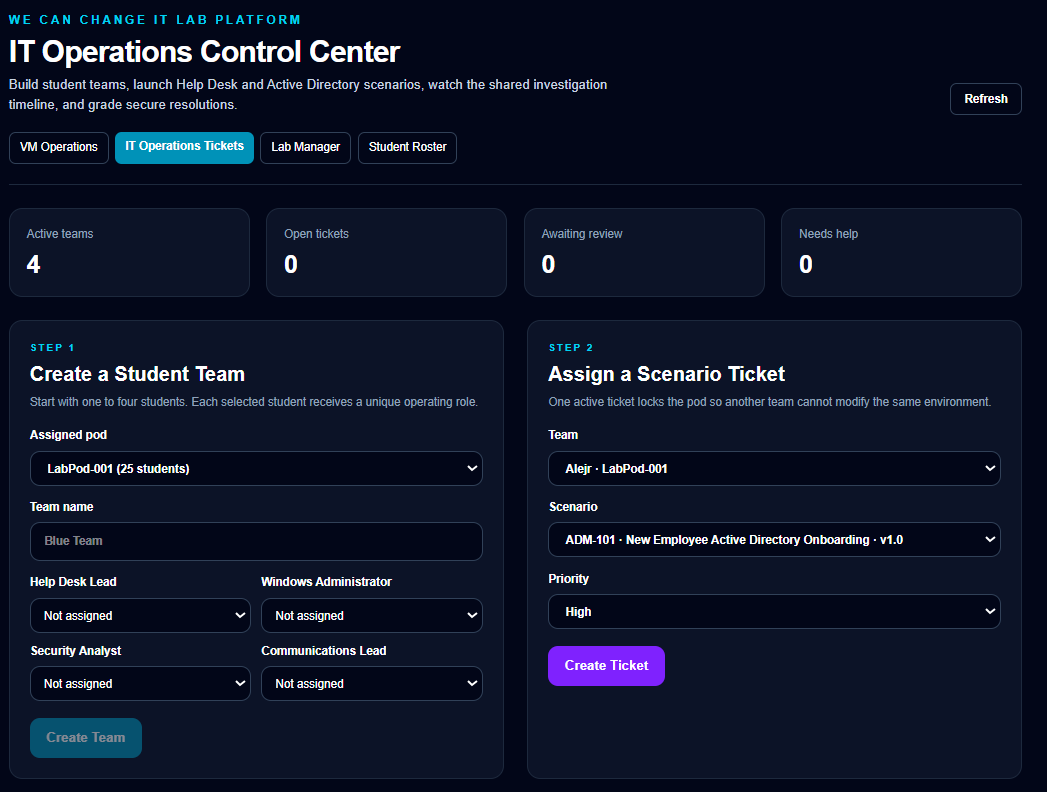
Windows Lab Environments
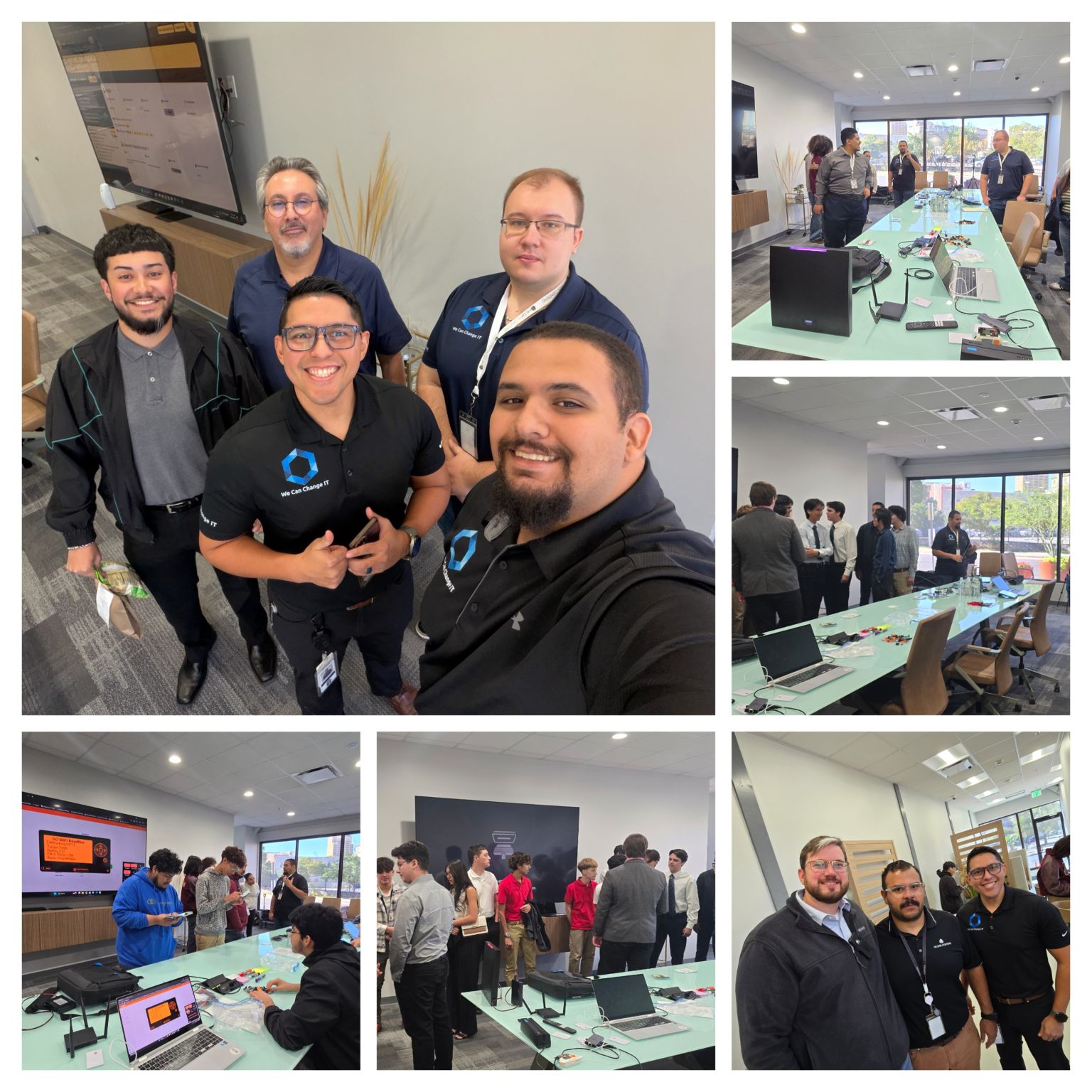
Network Diagrams
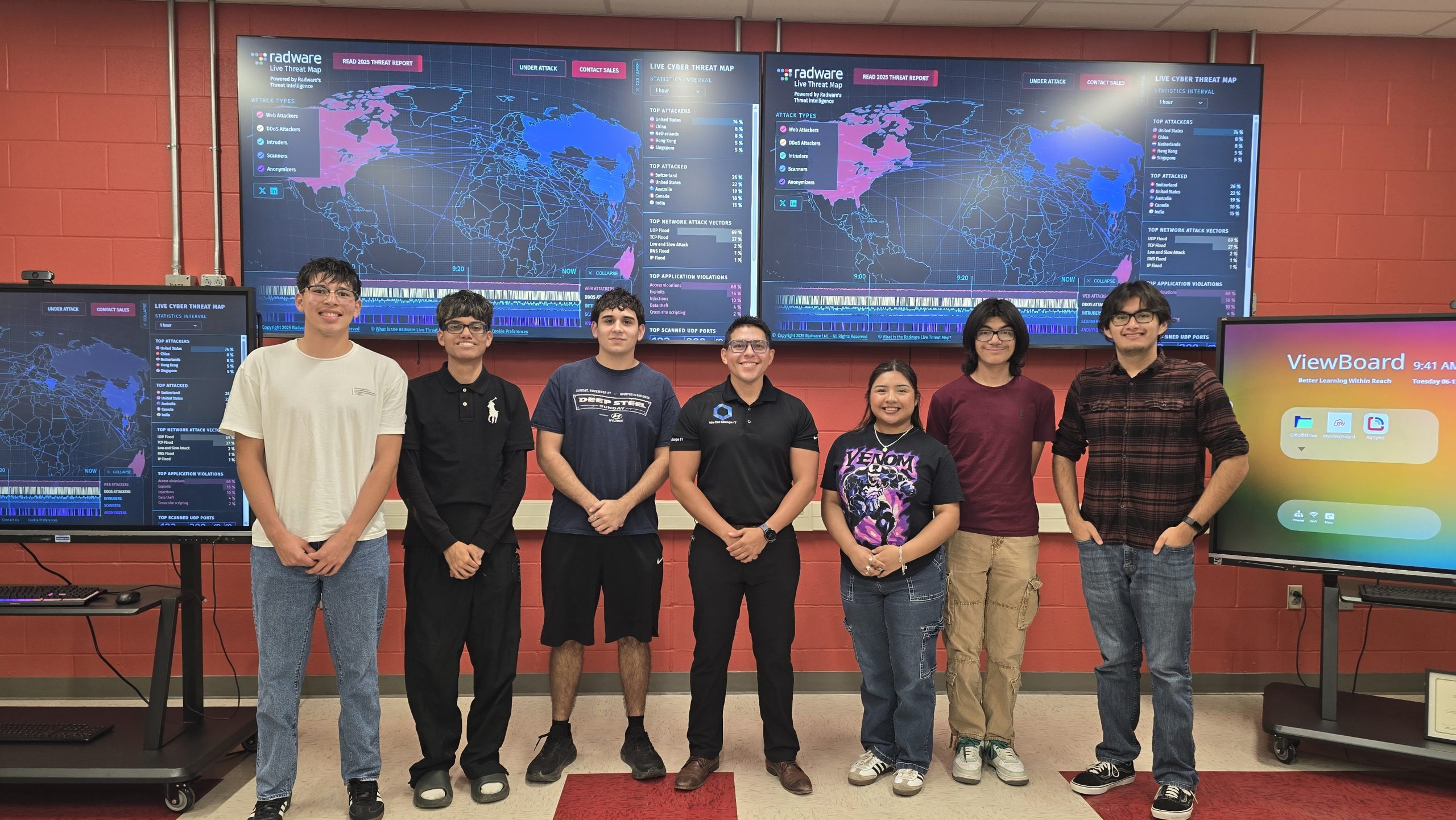
Security Monitoring
Educator Workshops